START WITH THE LOOK
Give your next shot something to remember.
A character name alone does not tell an image model what the face, clothes or world should look like. A reference image gives it visual context.
Create a reference in Studio or upload an existing image. Review the result, approve the version you want, and attach it to the shots that need it.
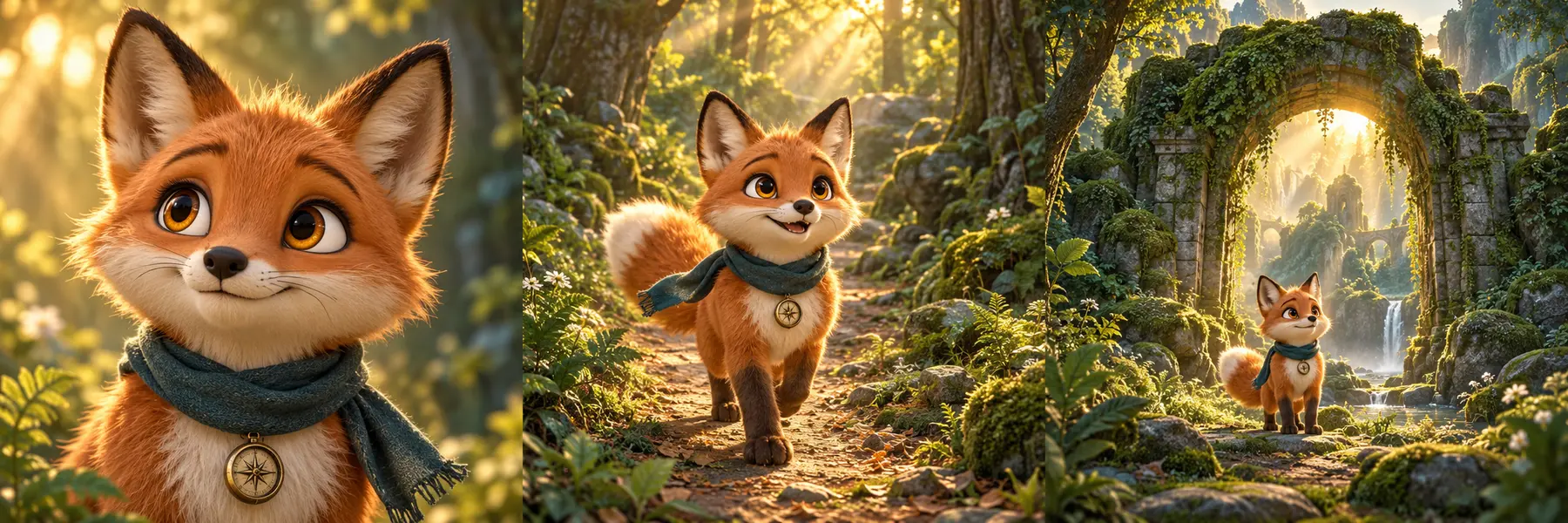
References help guide consistency. Review each result: the chosen model and prompt still affect the output.
THE WORKFLOW
Approve the look. Carry it into the story.
Create or upload
Prepare the reference for your character, world, location or prop. Use a clear image that shows the details you want to keep.
Review and approve
Choose the version that fits your story before using it to guide more generations.
Attach it to the right shots
Connect the approved references to the relevant image prompts, then review the generated frames before animating them.
KEEP WHAT WORKS
Your next project gets a head start.
Save useful references to your library and reuse them in future productions. Keep the visual identity of a recurring character, a familiar setting or a distinctive prop close at hand.
See how bulk generation worksPUT IT INTO PRACTICE
Carry one character through a complete story.
Follow Milo from an approved reference to connected cinematic scenes. Learn where to keep the identity stable and where to vary the framing, action and camera.
Read the cinematic AI video guideGOOD TO KNOW
A few quick answers.
Are References only for characters?
No. Studio supports references for characters, creatures, groups, props, locations and worlds. Use the references that give each shot the visual context it needs.
Can I upload my own reference images?
Yes. Create references in Studio or upload your own images, then approve and attach them to the relevant shots.
Can one shot use several references?
Yes. You can attach up to four references to a shot, for example a character, a prop and a location. Model support and the selected settings still influence the final result.
Will every generated character look exactly identical?
References support visual consistency, but they do not guarantee a perfect match from every AI generation. Review each output and regenerate the shots that need another attempt.
Build a world worth coming back to.
Start with one strong reference, then carry the look through your production.
Start for free