
01 SCRIPT
Build original stories at scale.
Create long-form AI videos. Generate scenes in bulk, keep characters consistent, and export a Premiere-ready edit.
Unlock 100 free credits with the quick demo.No subscription. Pay only for generations.
CHOOSE YOUR NICHE
What channel are you building?
Pick the format. Creators Studio helps you produce it at scale.
A REAL PROJECT. STEP BY STEP.
See it in action.
Meet Milo. Follow one little hero from character reference to a complete three-shot sequence.MILO THE HERO CATMade in Creators Studio
One character.
A whole story.
Explore the project, from the first reference to the finished sequence.
01 / 05
Start with your character.
Approve a reference and attach it to the shots that need the same character.
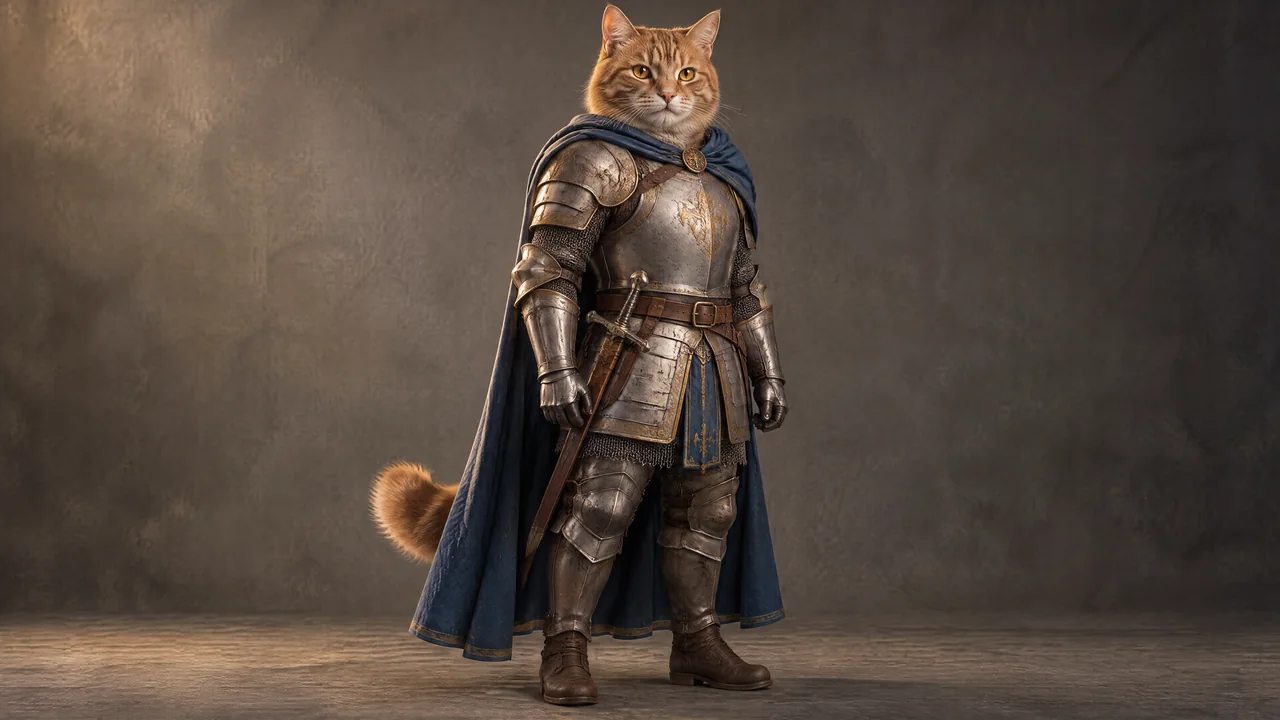
Milo the knightApproved
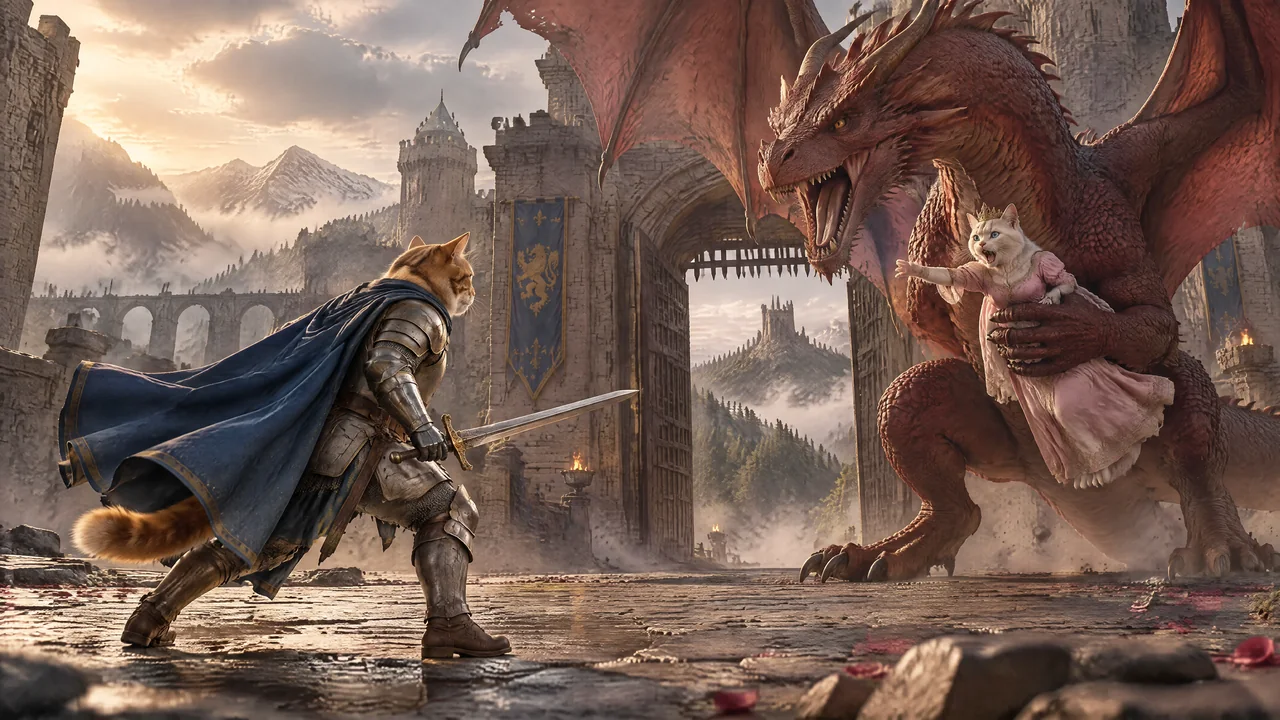 Shot 01
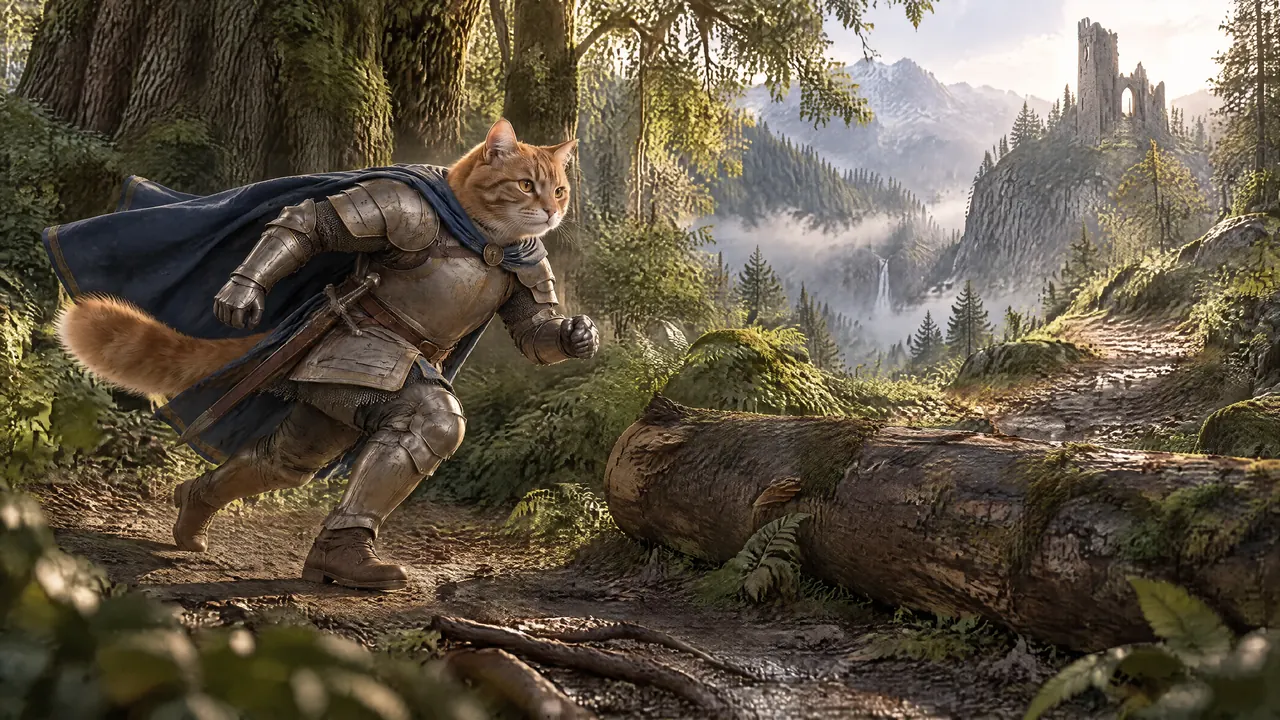 Shot 02
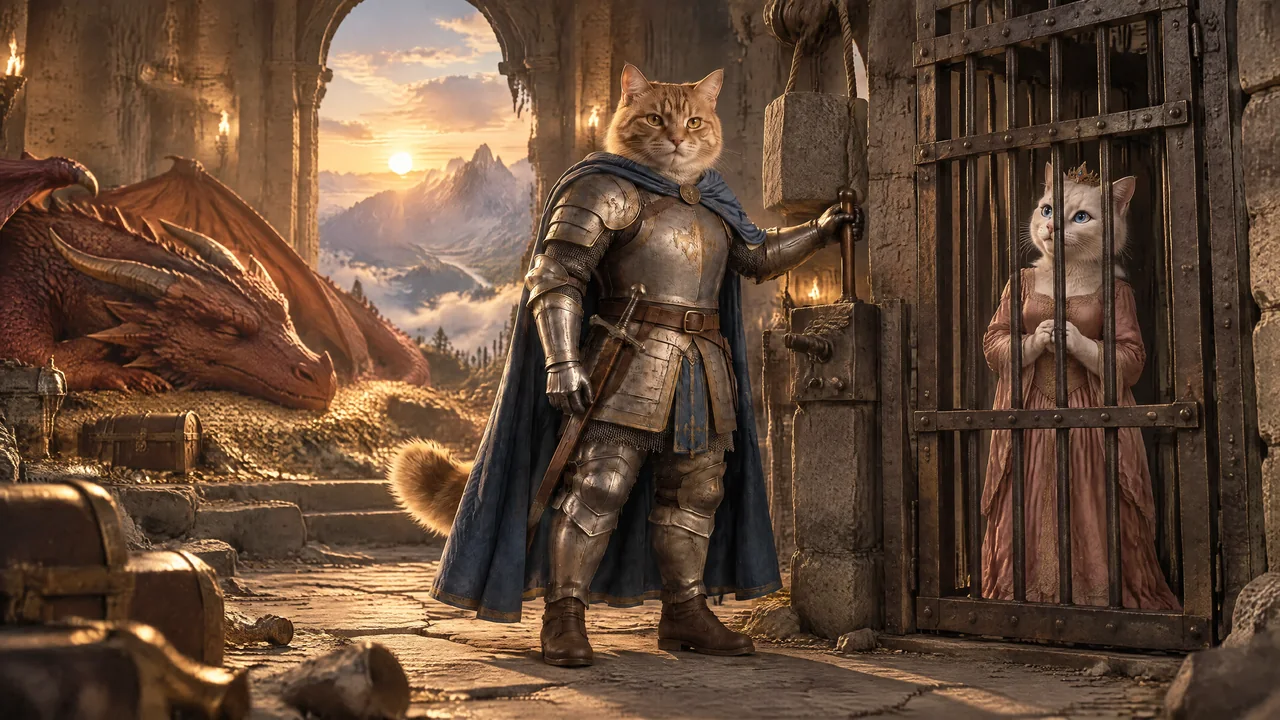 Shot 03
One approved reference. Three different scenes.
HOW TO MAKE
Your next story starts here.
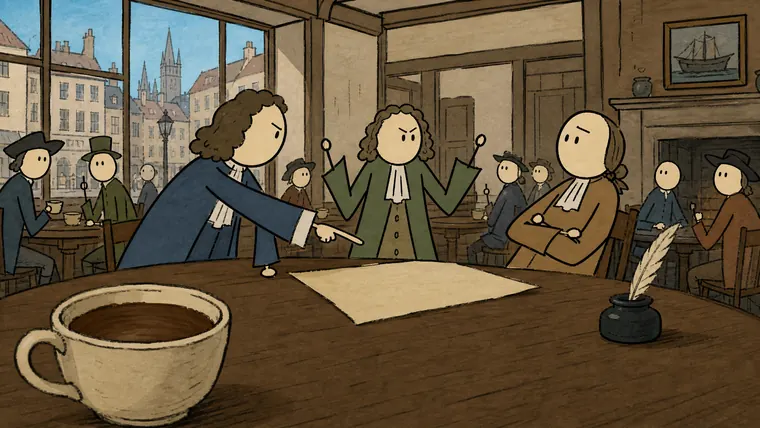
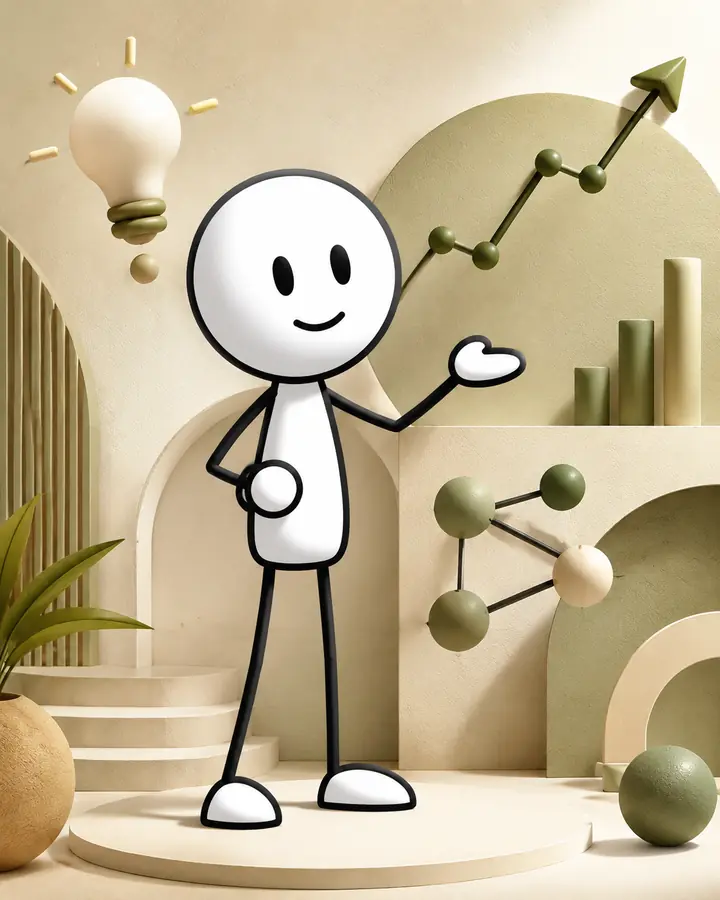
Make an AI explainer video
Turn a prepared script into illustrations, selected motion and a clear edit.
Read the guide →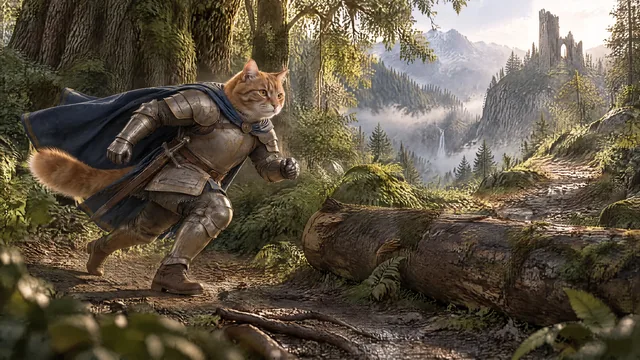
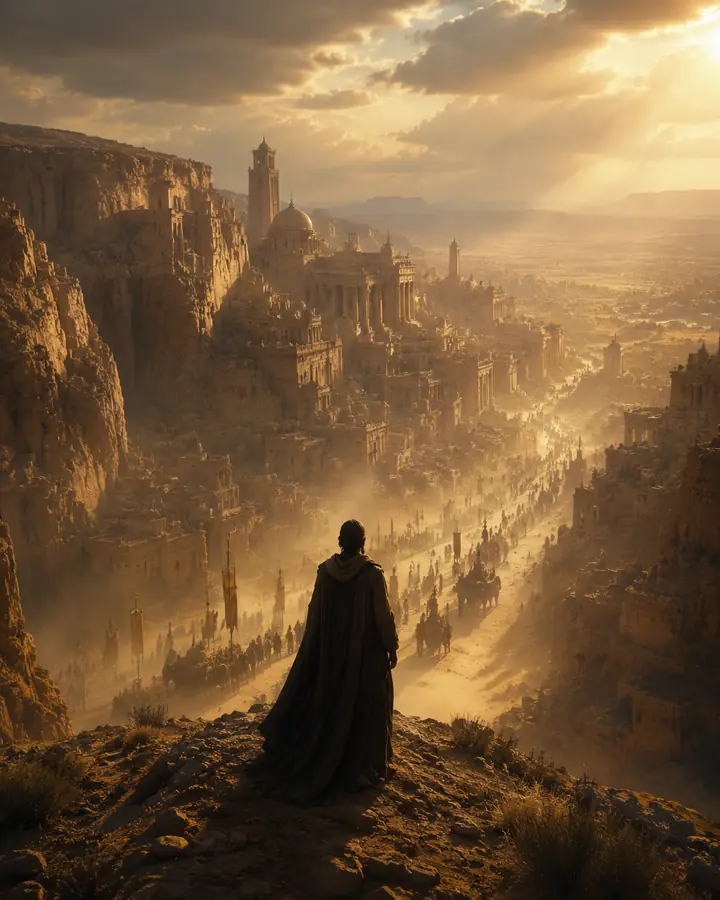
Make a cinematic AI video
Build connected story scenes with consistent characters and purposeful motion.
Read the guide →
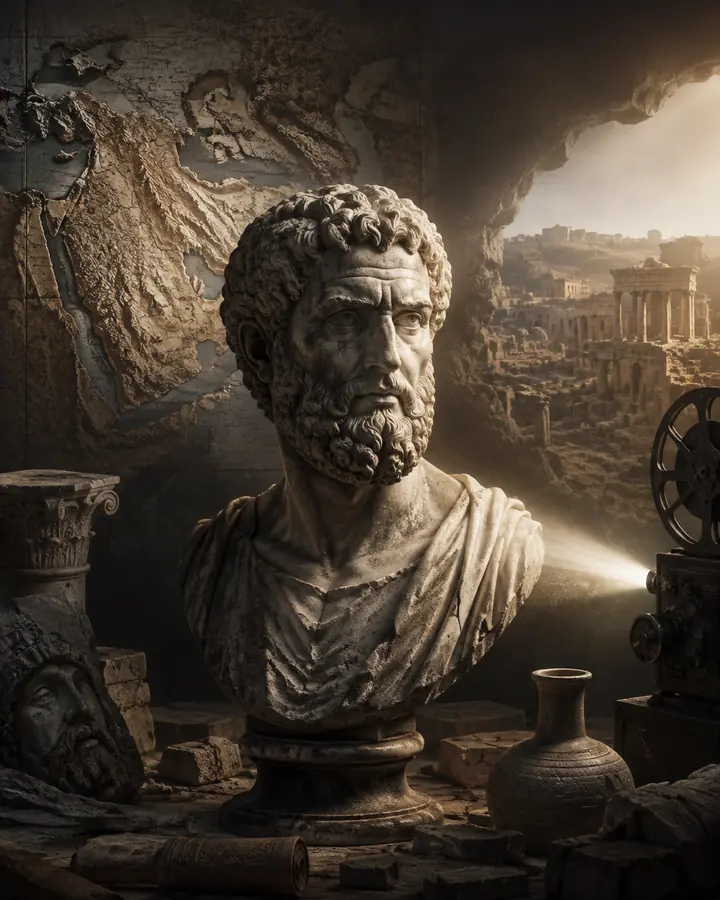
Build an AI sleep channel
Create calm, long-form stories with a coherent world and gentle movement.
Read the guide →ONE CONNECTED WORKFLOW
Script in. Video out.
02 CHARACTERS
Lock consistency
✓ CHARACTER LOCKED03 IMAGES
Generate in bulk
04 VIDEO
Bring every shot to life
05 EXPORT
Open the prepared edit
MovementsTransitionsTitles
CHANNEL OWNERS + EDITORS
Work together on the same project.
Give a trusted editor the same organized workspace—so prompts, references, model settings and generated results do not disappear across messages and folders.- ✓Open shared work under Shared with me
- ✓Review and adjust the same production project
- ✓Keep every shot attached to its creative context
THE BEST TOOLS. YOUR CHOICE.
Choose per shot.
Seedance 2.5Seedance 2.0Kling 3.0Kling OmniVeo 3.1 OmniGrok Imagine 1.5
ChatGPT Image 2.5 FlareChatGPT Image 2.5 SunburstSeedream 5.0Nano Banana 2Nano Banana ProKling Image 3.0
Model availability can change during beta. Explore the model guides →
DIRECT USD ESTIMATES
Know the cost before you generate.
Every model shows its estimated price in USD before you run it. Change the model, duration, quality or audio and the amount updates automatically—no credit conversion needed. You connect your own KIE.ai API key in Studio.
Explore bulk pricing and a faster workflow
01 Price per generation02 Settings recalculate it03 See the cost before paying
ModelKling 3.0
Settings10 sec · Standard · Audio off
Estimated costshown before generation
≈ $0.70Generate≈ $0.70
Example only. The Studio calculates the current estimate from your selected model and settings.
Run more channels.
Not more busywork.
Automate the repetitive work.
✓Upload
→✓Generate
→✓Export
Original stories.
Not one-click slop.
HUMAN APPROVED
Shots. Motion. Transitions. Text.
Prproject.xmlREADY
THE CREATOR ADVANTAGE
What this workflow unlocks.
More output, stronger client delivery and a production system that can grow with your channels.A real unfair advantage in the YouTube space.
Now I understand how large YouTube channels publish high-quality videos daily.
Editors can deliver more client work and build a stronger service business on platforms like Upwork.
Everything you need to start now and scale fast into a serious multi-channel YouTube business.
EXPLORE THE WORKFLOW
Plan the right production.
Learn the process, compare generation choices and build a repeatable AI video workflow before you spend on a full project.START HERE
How it works
Follow the complete path from prepared script and references to organized export.
↗YOUTUBEAI video production
Build long-form faceless videos as controlled sequences of shots.
↗CHARACTERSVisual consistency
Create, approve and reuse character references across a story.
↗PRODUCTIONBulk generation
Run prepared image and video shots together without losing per-shot control.
↗COSTSFree Studio access
See how Studio access and provider generation costs work.
↗FREE STUDIO ACCESS
Start creating for free.
Generate your scenes, keep your characters consistent, and bring your project together.
Start for free
Unlock 100 free credits with the quick demo.No subscription. Pay only for generations.
By continuing, you agree to our beta terms and privacy notice.