A complete AI video production workflow for creators.
Creators Studio connects the work that normally lives in separate tabs: prompt import, reusable references, bulk images, selected video shots, real price estimates, preview, pre-editing and editor-ready export.


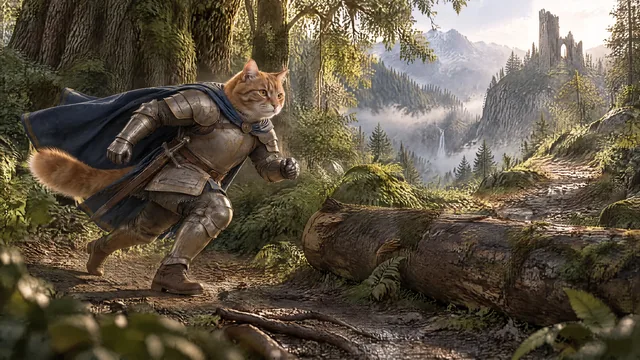

Change the scene. Keep Milo.
From prompt file to organized edit.
Prepare the project
Import a shot plan instead of rebuilding context manually inside every generation tool.
Approve references
Keep recurring characters, worlds, locations and props connected to the shots where they matter.
Generate images and videos in bulk
Choose models, quality and resolution per shot while seeing estimated real prices before you run the batch.
Review versions
Keep good results, compare saved versions and regenerate only what needs work.
Preview and pre-edit
Check shot order, gaps, movements and transitions before export.
Export for the editor
Download media or hand off an organized Premiere-ready project package.
Why this matters for long-form AI video creation.
Less context rebuilding
The project keeps prompts, references and results connected to each shot.
More efficient AI usage
Use premium generation for hooks and hero moments, then cheaper models or resolutions where they are sufficient.
Real cost visibility
See estimated prices before generation instead of converting abstract platform credits.
What is an AI video production workflow?
It is the connected process from script and references through image generation, video generation, review, editing and export.
Why use different AI models in one project?
Different shots have different quality and motion needs. Using the right model per shot can improve quality while controlling cost.
Can I see real generation costs before running a batch?
Creators Studio shows estimated generation prices in real currency before the generation starts, so creators can make per-shot decisions.