SMALL SHOT COSTS. A BIG DIFFERENCE.
See what your Grok batch costs.
At the compared rates, 100 ten-second Grok clips at 720p total $22.50 in Studio. The original xAI video API output rate totals $70.00 for the same duration and resolution.
Choose your clip count, length and resolution below.
Estimates reviewed 20 September 2026. Check the current price in Studio before generating.
See what the difference adds up to.
Uses xAI’s lower-priced original video API as the baseline. Output costs only; provider routes and model versions differ. This calculator does not start a generation.
THE NUMBERS BEHIND THE COMPARISON
Compare the published Grok video rates.
These are output prices for one second of video. Multiply by the clip duration and number of shots to estimate a batch.
USD per output second · checked 20 September 2026

CreatorsStudio
Current Grok generation estimates
- 480p
- $0.012 / second
- 720p
- $0.0225 / second
- 1080p
- $0.04 / second

Direct xAI API
Original Grok Imagine video
- 480p
- $0.05 / second
- 720p
- $0.07 / second
- 1080p
- Not listed
Direct xAI API
Grok Imagine Video 1.5
- 480p
- $0.08 / second
- 720p
- $0.14 / second
- 1080p
- $0.25 / second
Source for direct rates: xAI’s published API pricing. Studio figures are current generation estimates. Output charges only; reference images, retries, taxes, funding minimums and discounts are excluded.
Model versions and provider routes differ. xAI’s 1080p figure is for native Video 1.5 output; the Studio 1080p setting does not establish an identical rendering process. This is a price comparison, not a claim of identical output quality.
Grok and SuperGrok subscriptions have separate allowances and benefits. We are not comparing those subscriptions or promising a lowest price for every use case.
MAKE SOMETHING WORTH WATCHING
Bring your best images to life.
Use Grok for a camera move, a character action or a reveal. Start with an approved image and describe the motion you want.
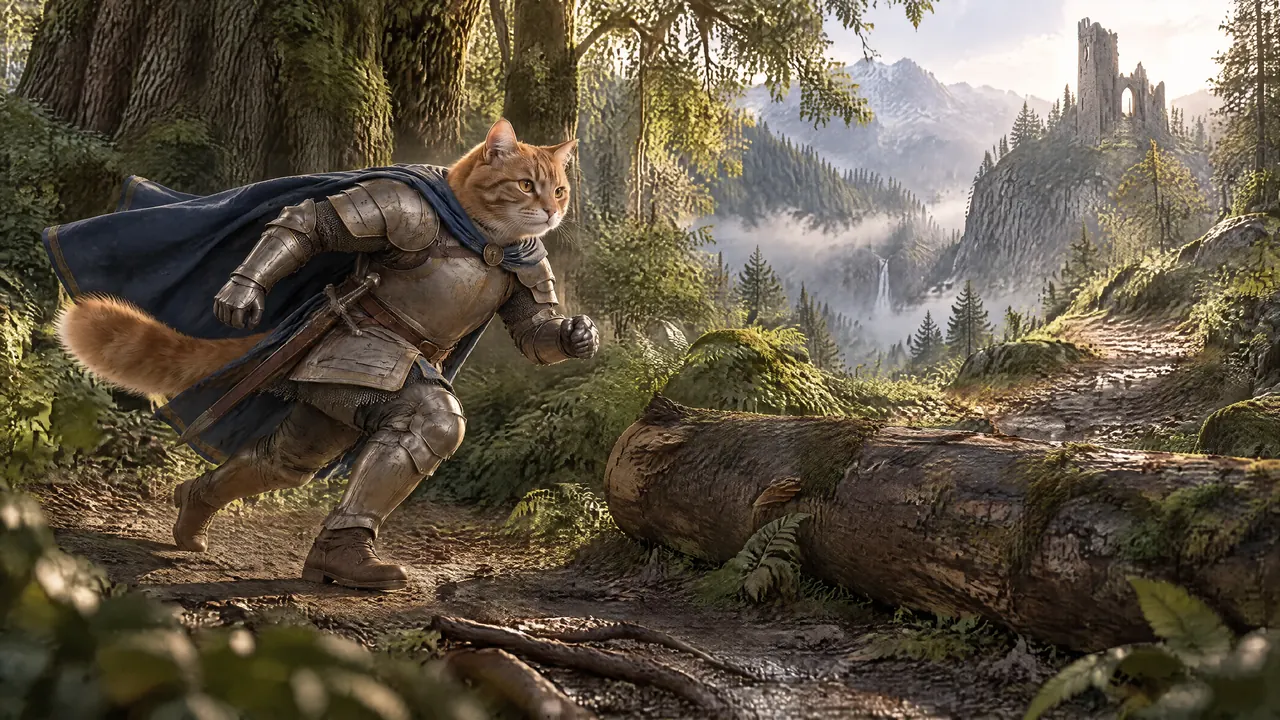
Cinematic worlds and character moments
Plan a run, a reveal or a deliberate camera move. Keep your best frame as the visual starting point, then review the generated motion.
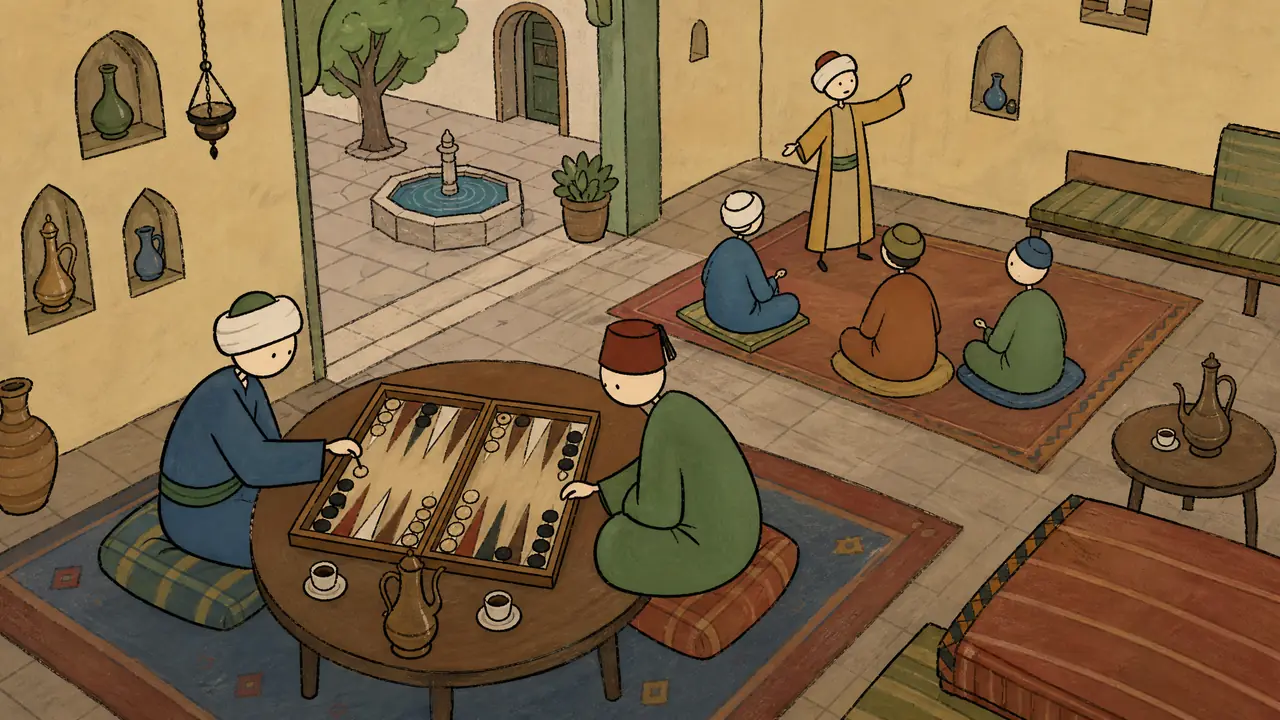
Explainers with moments that come alive
Use selective motion for an opening hook or an important story beat. Let the remaining illustrations carry the narrative as stills.
Visual direction examples from the Milo and Coffee projects. These existing images are not attributed to Grok. Explore Grok Imagine’s controls in Studio.
FROM ONE GOOD IMAGE TO A WHOLE BATCH
A visual workspace for Grok generation.
Prepare the images you want to animate
Generate stills with your chosen image model or upload your own. Keep character and world references together in the project.
Choose Grok and describe the movement
Set the model, resolution and duration on the selected video shots. Describe the action, camera move and ending.
Review the total and generate together
Check the shot count and dollar estimate, then start the batch. Every clip stays connected to its prompt and original shot.
Review the sequence and prepare your edit
Keep the strongest results, mix clips with still images and prepare the project for your editing workflow.
GOOD TO KNOW
A few quick answers.
Is Grok generation cheaper in CreatorsStudio?
For the published video output rates compared here, yes. CreatorsStudio estimates $0.0225 per second at 720p, compared with $0.07 for xAI’s original Grok Imagine video API and $0.14 for its Video 1.5 API. These are separate provider routes; matching resolution does not establish identical model versions or results. Prices were checked on 20 September 2026.
Is this cheaper than a Grok or SuperGrok subscription?
This page compares pay-as-you-go video API output rates. Grok and SuperGrok consumer subscriptions have their own allowances, limits and other benefits, so this comparison does not establish that CreatorsStudio is cheaper than those subscriptions.
Does generating in bulk add another discount?
No extra bulk discount is assumed. A batch estimate is the sum of its selected clips. Bulk generation saves repeated setup, while the selected generation route and settings determine the price.
Can I animate only selected images with Grok?
Yes. Choose the shots you want to animate in the Videos tab, select Grok and review the duration, resolution, selected count and total estimate before generating. Other shots can remain still images.
Are reference images, retries and taxes included?
The comparison shows video output costs only. Direct xAI reference-image charges, taxes, credit-purchase minimums, discounts and retries are excluded. A new or repeated generation has its own cost. Check the current estimate before submitting a batch.
Do I need to be a developer to use Grok in Studio?
No. CreatorsStudio gives you a visual project workspace for prompts, references, images and video shots. Choose the model and settings in Studio without writing API requests.
Your next great scene starts with an image.
Bring your ideas, choose the shots that need motion and see the price before you create.
Start for freeGrok logo: Grok. Grok is a trademark of SpaceXAI.