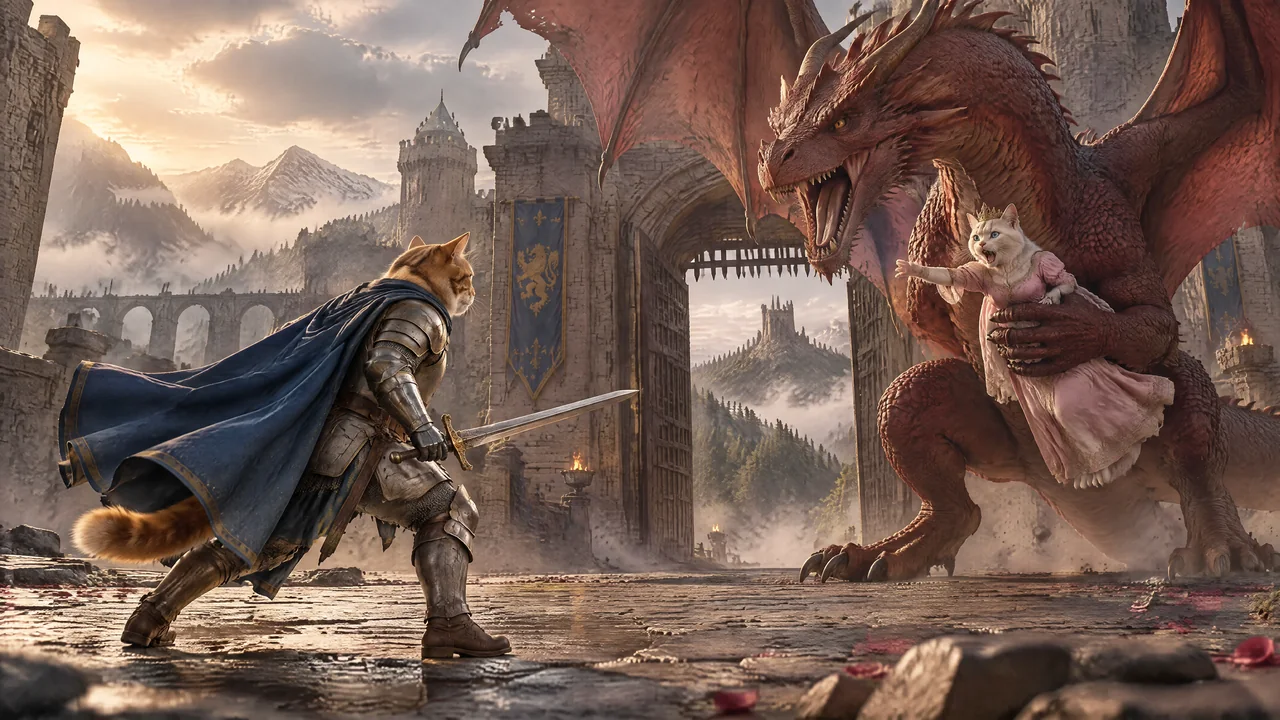
 TINY KNIGHT.
WHEN TO USE IT
Choose Sunburst for careful refinements.
OpenAI emphasizes GPT Image 2.5 Sunburst’s editing precision. That makes it a useful option when the composition is close and you want to refine a specific part, or when a thumbnail deserves a more deliberate finishing pass. OpenAI’s Sunburst model guide
Thumbnail artwork with intent
Plan one clear subject, an expression or action, and space for the headline. Create several directions, then refine the composition that communicates the idea most clearly.
Make a focused edit
Describe the change you need and what should stay consistent. Use the approved image as a reference when adjusting a scene, an object or a character detail.
Repeat the channel’s visual identity
Keep recurring characters, worlds and props available as References. Bring your title-style references and familiar thumbnail assets back into the creative process.
AVAILABLE IN CREATORS STUDIO
The controls that matter.
Choose ChatGPT Image 2.5 Sunburst in Studio’s image model selector. These are the options available in the Studio workflow.
- Image sizes
- 1K, 2K and 4K
- Formats
- Landscape 16:9, portrait 9:16 and square 1:1
- References
- Up to 4 attached images
- Create and refine
- Text-to-image generation and image-based edits
- Production workflow
- Bulk generation with a result attached to each shot
Settings checked 19 September 2026. Availability and estimates can change; review the selected settings before generating. How generation pricing works.
FROM IDEA TO PROJECT
Build a repeatable thumbnail workflow.
Start from the project’s references
Attach the approved character and other visual references. Keep the thumbnail connected to the same world as the video.
Prepare a few distinct concepts
Change the hook, composition or subject emphasis between prompts. Generate the prepared thumbnail artwork variants as a batch.
Refine your strongest direction
Use Sunburst for targeted adjustments. Compare the result with the approved references and check that important details remain consistent.
Finish the exact branding
Add the original logo, your reusable title treatment and assets such as a 4K badge in your final design. Check the thumbnail at phone size before publishing.
CHOOSE THE RIGHT TOOL FOR THE SHOT
Flare or Sunburst?
Use Flare as the fast starting point for everyday image production. Choose Sunburst when a specific image needs precise adjustments. Both offer reference images and up to 4K output in Studio.
Explore ChatGPT Image 2.5 FlareReady to animate an approved image? Explore Seedance 2.5 for video shots.
GOOD TO KNOW
Your questions, answered.
What is ChatGPT Image 2.5 Sunburst good for?
Sunburst is a useful choice for precise image refinements, detailed scenes and high-quality thumbnail artwork. OpenAI highlights editing precision as a strength of the model.
Can I create thumbnail variants in bulk?
Yes. Prepare different thumbnail artwork prompts in the project, attach the relevant references and generate the images as a batch. Review the directions and finish your selected layouts with the original brand assets.
Can I reuse the same character, title style and 4K badge?
Use References to give the model your approved character and visual style. For an exact logo, title treatment or 4K badge, reuse the original graphic in the final design rather than asking the model to reproduce it.
Is Sunburst better than Flare for every image?
The right choice depends on the task. Start with Flare for fast everyday production and consider Sunburst when precise refinements matter. Studio offers the same 1K, 2K and 4K size choices for both.
MAKE YOUR NEXT PROJECT
Make an image worth stopping for.
Bring your prompts and references. Choose your settings and see the cost before you create.
Start for free