WHEN TO USE IT
A practical option for short video shots.
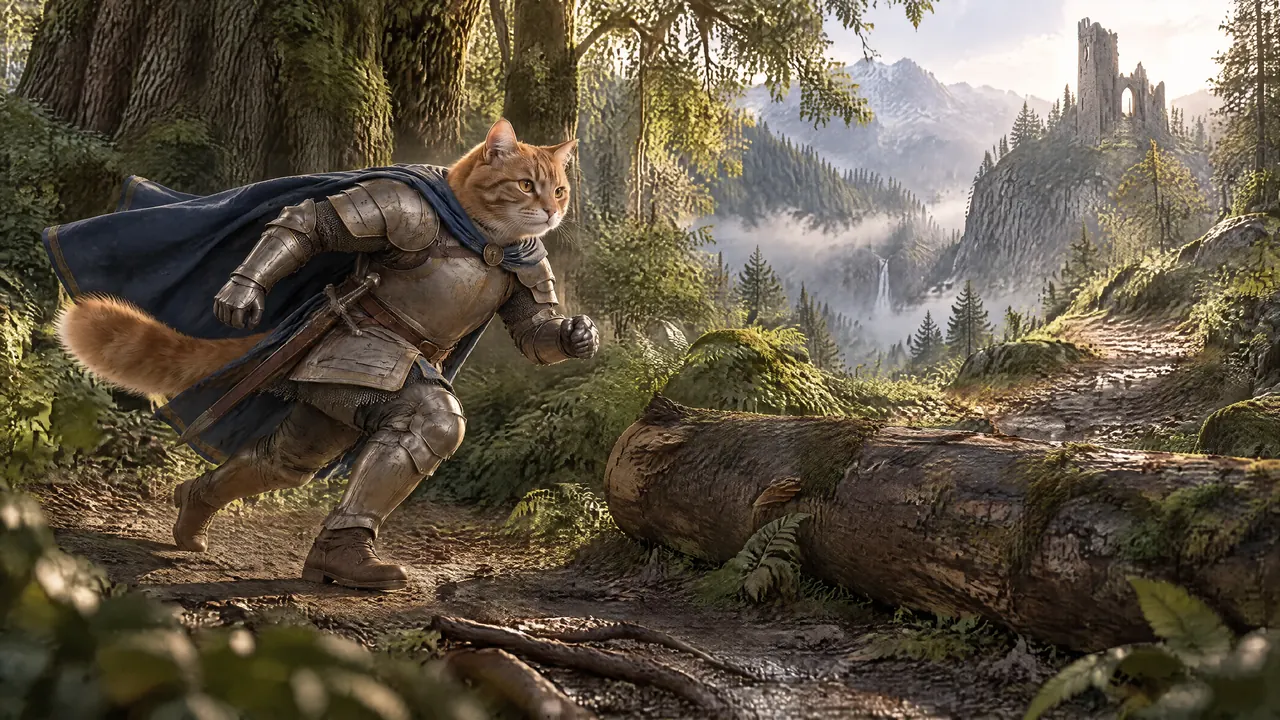
Grok Imagine is xAI’s video generation family. Start with a still image and describe how the subject and camera should move. Studio keeps that clip connected to the rest of your story. xAI’s video generation guide
Animate the moments that matter
Give movement to a reveal, a character action or an important visual beat. Keep the remaining scenes as still images.
Build a batch on a budget
At the current Studio estimate, a four-second Grok clip costs $0.09 at 720p or $0.16 at 1080p. Check the live estimate before submitting.
Keep the story together
Each result stays attached to its original shot. Review it alongside the image, prompt and other saved versions.
AVAILABLE IN CREATORS STUDIO
The controls that matter.
Set Grok Imagine 1.5 on the shots you want to animate. Choose the length and resolution for each clip.
- Studio model
- Grok Imagine 1.5
- Workflow
- Animate an approved image
- Clip duration
- 1–15 seconds, in whole seconds
- Video resolutions
- 480p, 720p and 1080p
- Batch control
- Choose individual shots and review the total before generating
Settings checked 19 September 2026. Availability and estimates can change; review the selected settings before generating. How generation pricing works.
FROM IDEA TO PROJECT
From approved still to moving scene.
Choose your source images
Generate or upload the images you want to animate. Review the framing and character details first.
Set Grok on your video shots
Choose Grok Imagine 1.5 in the video model selector. Set the duration and resolution for each shot.
Give the movement a direction
Describe the action and camera movement. For a partial update, upload only the numbered video prompts you want to change.
Review, generate and preview
Confirm the selected shots and cost. Generate the batch, then inspect the resulting clips before export.
CHOOSE THE RIGHT TOOL FOR THE SHOT
One project can use more than one model.
Make the still with Flare for fast image production or refine it with Sunburst for precise image edits. Then choose Grok Imagine 1.5 for the video shots that suit it.
Other scenes can use a different video model or stay as still images. See how model choice works per shot.
GOOD TO KNOW
Your questions, answered.
Is Grok available in Creators Studio?
Yes. Grok Imagine 1.5 is available in the video model selector for image-to-video generation, including selected batches.
How much does a Grok video cost?
Studio currently estimates $0.012 per second at 480p, $0.0225 at 720p and $0.04 at 1080p. A four-second 1080p clip is $0.16. Review the live estimate before creating; rates can change.
Can I animate only a few shots?
Yes. Choose the shots for your batch or import their numbered video prompts. Leave other scenes as stills and review the selected count before generating.
Can I mix Grok with other video models?
Yes. Your project can use different models for different shots. Each clip keeps its own settings and price estimate.
MAKE YOUR NEXT PROJECT
Put your story in motion.
Bring your prompts and references. Choose your settings and see the cost before you create.
Start for free