Build AI story videos as connected scenes — not isolated clips.
Use a scene-based workflow for long-form storytelling: consistent characters and worlds, planned shots, bulk image creation, selective image-to-video, preview, and an organized edit handoff.

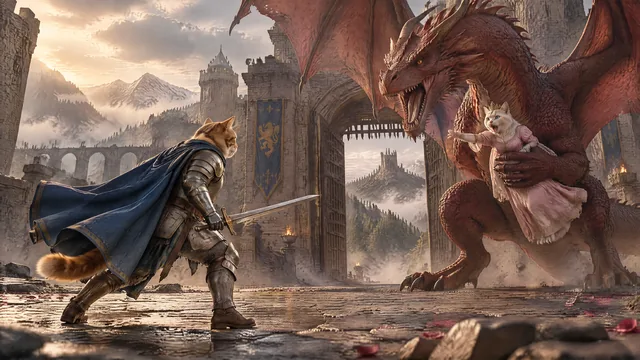
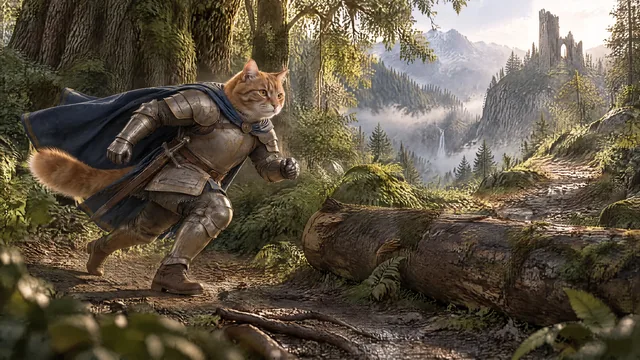

Change the scene. Keep Milo.
Story structure gives AI generation context.
Characters
Approve recurring heroes, creatures and supporting identities before the sequence grows.
Worlds and locations
Keep the environment recognizable without forcing the same composition into every shot.
Shots
Each shot specifies the current action, framing, camera, lighting and continuity needed for that moment.
Use References for identity — not composition.
The character reference answers “who is this?” The shot prompt answers “what are they doing here?” Keeping those jobs separate is one of the most useful ways to avoid repetitive AI story visuals.
Combine stills and video instead of animating everything.
High-quality images, camera framing and deliberate edit timing can carry dialogue, exposition and connective scenes efficiently.
Use video for action, emotional reveals, camera moves, hero shots and moments where motion materially improves retention.
What is an AI storytelling video generator?
It is a workflow that turns a story into connected characters, locations, scenes and shots rather than generating isolated clips.
How do I make AI story scenes consistent?
Use approved recurring references for identities and worlds, then keep shot prompts focused on the current action, composition and camera.
Can a story use still images and video together?
Yes. Long-form storytelling is usually more efficient when only the important shots become video and the rest stay as strong still images.